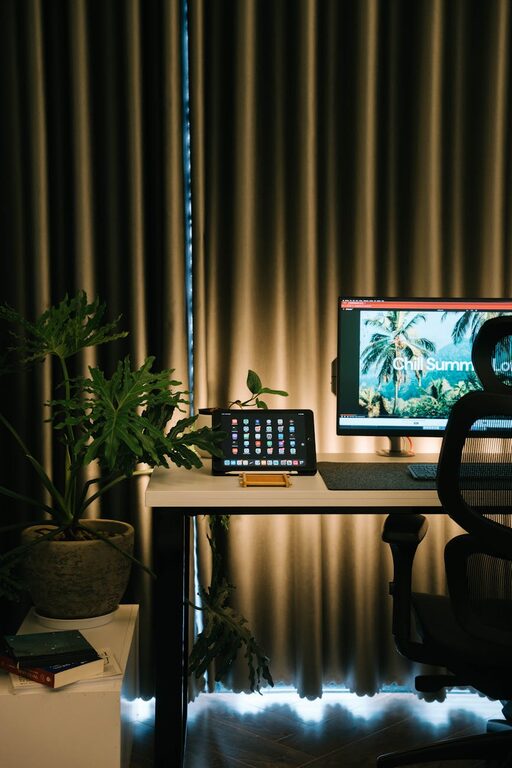
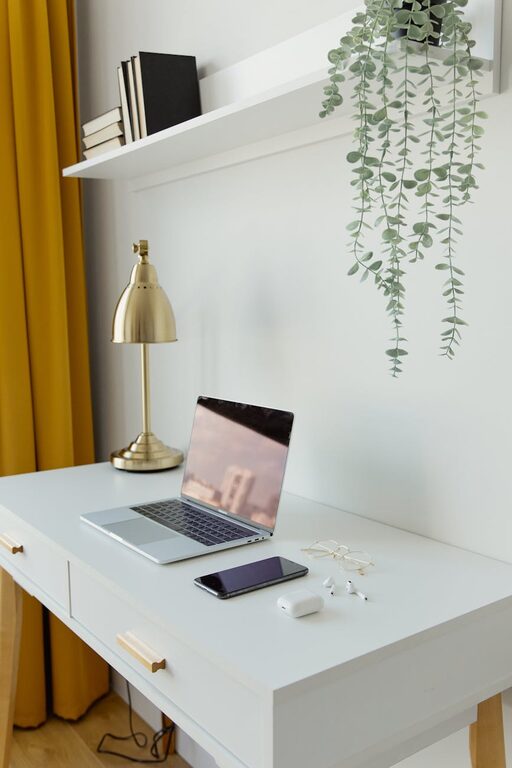
Creating a home office that balances productivity and comfort is essential for anyone working remotely or managing tasks from home. A well-designed workspace not only helps you focus but also supports your physical well-being. In this post, we’ll explore tips to help you set up a home office that meets your needs and encourages efficiency throughout your day.
Choose the Right Location
Selecting the best spot for your home office lays the foundation for productivity.
– Quiet Area: Find a space away from high-traffic or noisy areas to minimize distractions.
– Natural Light: Position your desk near a window if possible; natural light can improve mood and energy.
– Privacy: If your work involves calls or meetings, pick a location where interruptions are minimal.
Invest in Ergonomic Furniture
Comfort is key during long hours of work. Ergonomic furniture reduces strain and promotes good posture.
– Chair: Select an adjustable chair with good lumbar support.
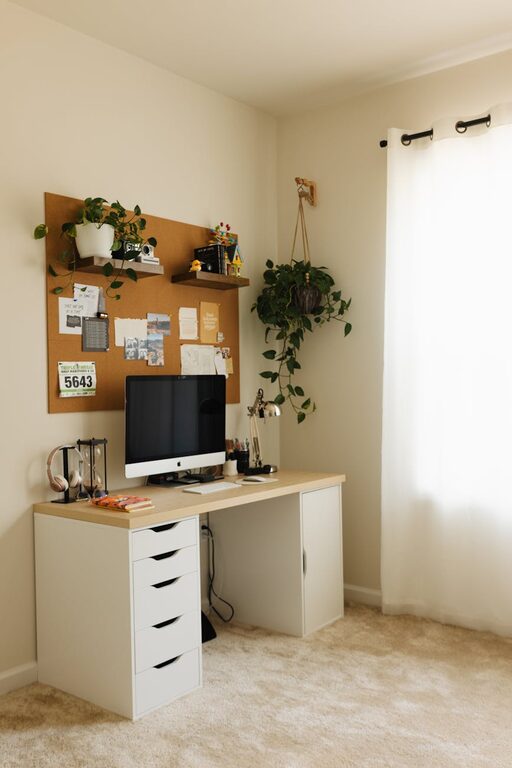
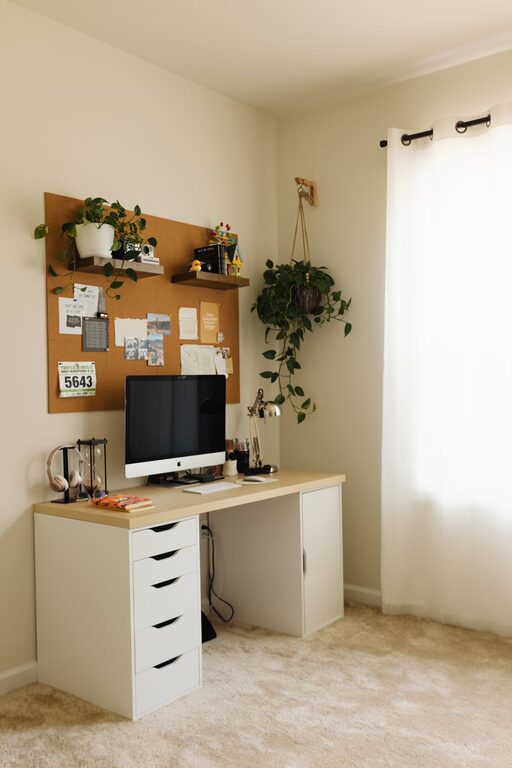
– Desk: Choose a desk at a height that allows your wrists to rest comfortably while typing.
– Monitor Position: Place monitors so the top of the screen is at or slightly below eye level.
Organize Your Workspace Efficiently
A clutter-free environment helps maintain focus and saves time.
– Declutter Regularly: Remove unnecessary items from your desk each day.
– Storage Solutions: Use shelves, drawers, or filing cabinets to keep documents and supplies organized.
– Cable Management: Use clips or ties to keep cords tidy and prevent tangling.
Personalize Without Overcrowding
Adding personal touches can make your workspace inviting but avoid overcrowding.
– Plants: Small indoor plants can improve air quality and add a calming effect.
– Artwork or Photos: Choose a few inspiring images or art pieces.
– Color Choices: Use calming colors like blues or greens to create a relaxing atmosphere.
Optimize Lighting
Proper lighting reduces eye strain and keeps you alert.
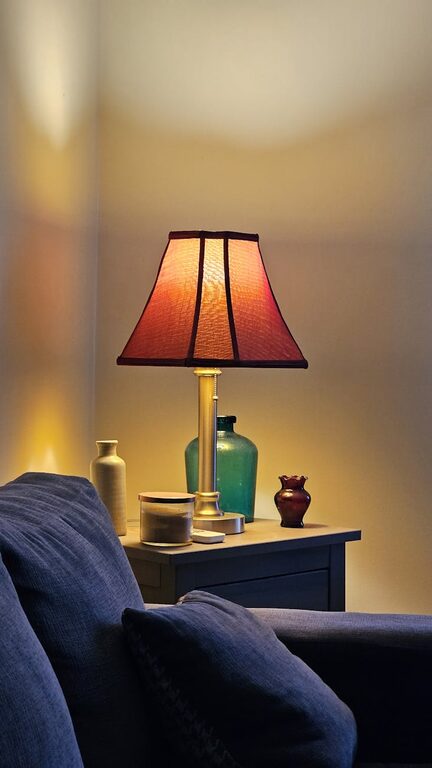
– Layered Lighting: Combine ambient light with task lighting such as desk lamps.
– Adjustable Lights: Use dimmable lights or lamps with adjustable arms to direct light where needed.
– Avoid Glare: Position screens to avoid reflections or glare from windows or lights.
Manage Noise and Distractions
Minimizing noise helps maintain concentration.
– Noise-Cancelling Headphones: Useful for blocking out household noise.
– White Noise Machines: Can mask background sounds effectively.
– Set Boundaries: Communicate your working hours to household members.
Establish a Routine and Breaks
Your space supports your habits as much as your habits support your space.
– Consistent Hours: Stick to set working hours to create a sense of structure.
– Take Regular Breaks: Step away for short breaks to rest your eyes and stretch.
– Movement Space: Ensure there’s room to move or stretch within your office area.
Use Technology Wisely
Equip your office with tools that enhance your work without causing distractions.
– Reliable Internet: Ensure your connection is stable for video calls and uploads.
– Organizational Apps: Use apps for time management, task tracking, and communication.
– Backup Solutions: Regularly back up your work using cloud services or external drives.
Keep Air Quality Fresh
A healthy environment contributes to comfort and productivity.
– Ventilation: Open windows when possible or use fans or air purifiers.
– Humidity: Maintain comfortable humidity levels to avoid dryness or discomfort.
—
Setting up a home office that is both productive and comfortable is a worthwhile investment. By thoughtfully selecting your location, furniture, and organization methods, you create a space that supports your work and well-being. Remember, the best home office is one tailored to your individual needs and preferences—feel free to adjust these tips to suit your unique situation.
About the Author