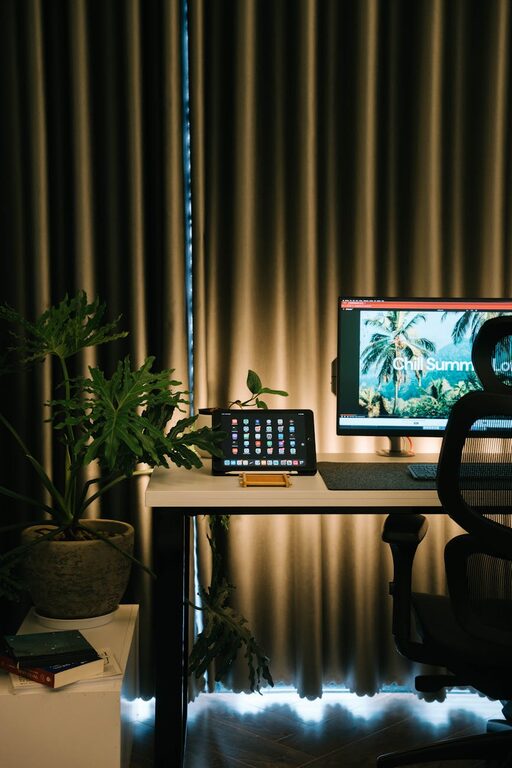
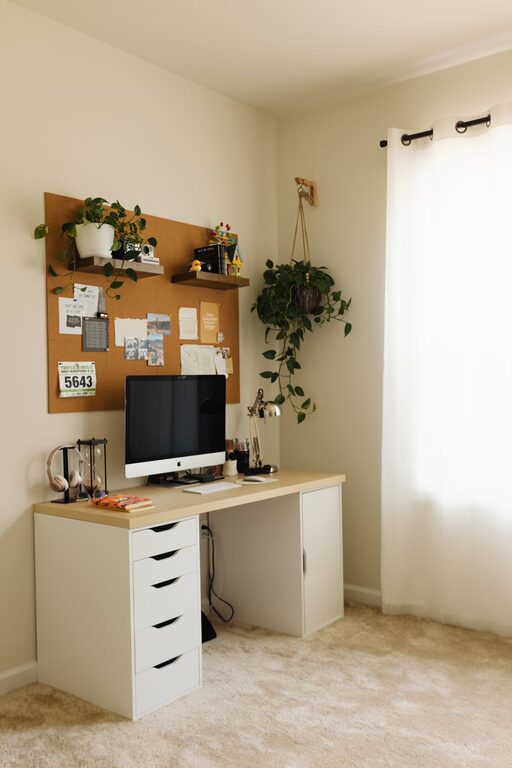
Creating a relaxing home office space can make a big difference in your daily productivity and overall well-being. When your workspace feels comfortable and inviting, it’s easier to focus, stay motivated, and complete tasks efficiently. Whether you’re new to working from home or just looking to refresh your current setup, here are practical tips to help you create a calming and productive home office.
Why a Relaxing Home Office Matters
Work can sometimes be stressful, especially in an environment filled with distractions and clutter. A relaxing office space helps reduce stress and encourages clear thinking. When you feel calm and comfortable, strain is minimized, and you can maintain better focus throughout the day. It’s not just about aesthetics; it’s about creating a space that supports your work habits and mental well-being.
Choose the Right Location
Choosing the best spot for your home office is the first step.
– Natural Light: Pick a space with plenty of natural light. Sunlight improves mood and reduces eye strain.
– Quiet Area: Find a quiet corner away from noisy appliances or foot traffic.
– Room for Movement: Ensure there’s enough space to move around comfortably.
If a dedicated room isn’t available, carve out a specific area in a shared room and use screens or shelves to define your workspace.
Invest in Comfortable Seating
Your chair plays a key role in how comfortable you feel during work hours.
– Ergonomic Chair: Select a chair that supports your back and encourages good posture.
– Adjustable Features: Look for adjustable height and tilt to customize your seating position.
– Cushions and Support: Use cushions or lumbar supports if needed to enhance comfort.
Comfortable seating helps prevent fatigue and back pain, keeping you focused throughout the day.
Organize with Purpose
A cluttered desk can lead to a cluttered mind. Organization is essential to maintaining a relaxing environment.
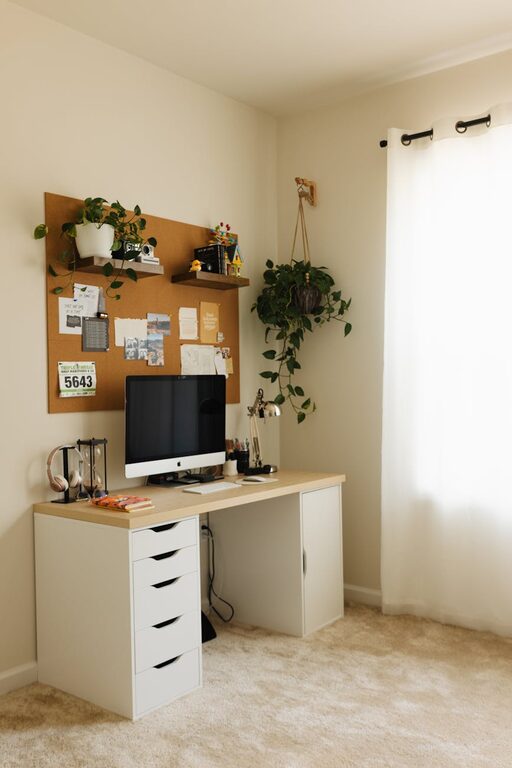
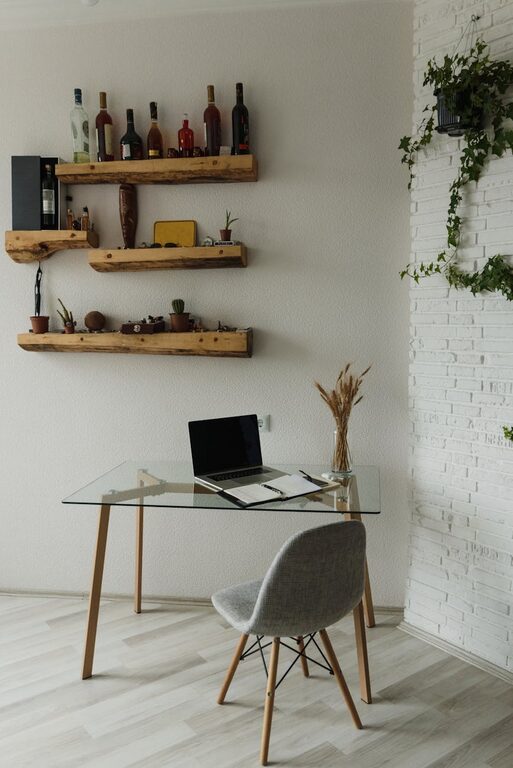
– Use Storage Solutions: Employ shelves, drawers, and boxes to keep supplies organized.
– Minimize Desk Items: Only keep necessities within reach to reduce distractions.
– Cable Management: Use clips or covers to keep cords tidy and out of sight.
A neat workspace reduces stress and helps you find what you need quickly.
Incorporate Soothing Colors
Colors affect mood and concentration. Choosing the right tones can make your home office feel more peaceful.
– Soft Neutrals: Shades like beige, soft grey, or pastel blues create a calming atmosphere.
– Avoid Bright Colors: Intense reds or oranges can be overly stimulating.
– Personal Preference: Pick colors that make you feel relaxed and focused.
You can incorporate these colors through wall paint, furniture, or decorative accents.
Add Personal Touches
Making your workspace welcoming and uniquely yours can increase your comfort.
– Plants: Indoor plants improve air quality and add a touch of nature, which can be calming.
– Photos or Artwork: Include images that inspire or relax you.
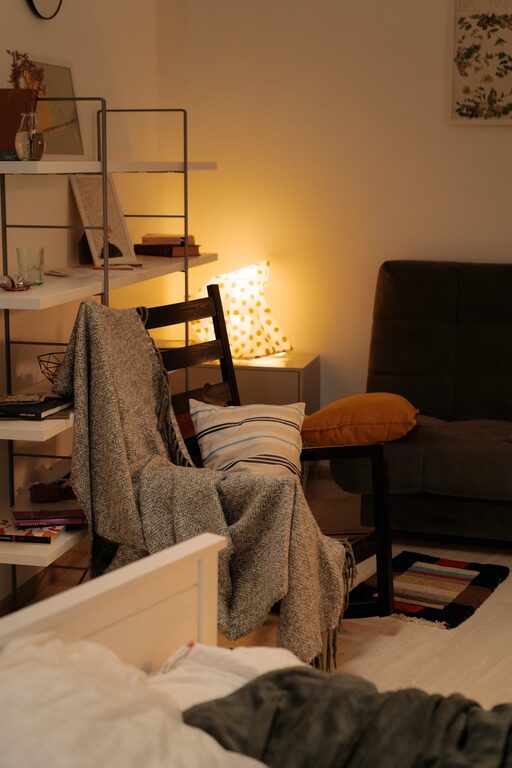
– Comfort Items: Add a cozy blanket or a small diffuser with your favorite scent.
Personal touches make your office inviting and less sterile.
Prioritize Lighting
Besides natural light, artificial lighting is important for productivity, especially during late hours.
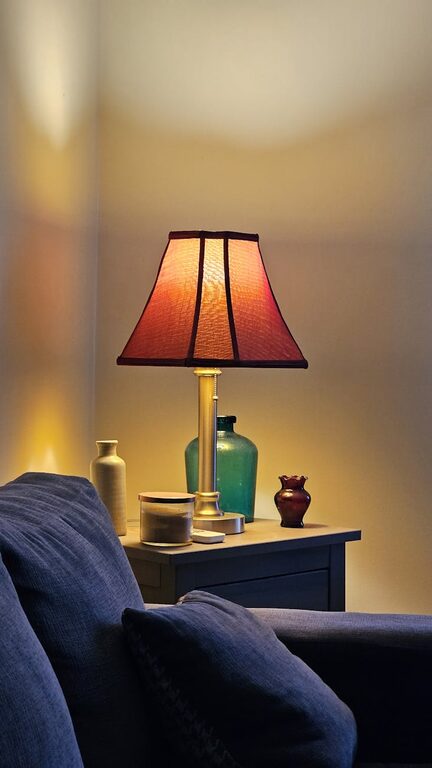
– Desk Lamps: Use adjustable lamps with soft, warm light to avoid harsh shadows.
– Avoid Glare: Position screens and lights to prevent glare on your computer.
– Layered Lighting: Combine overhead, task, and ambient lighting for flexibility.
Good lighting reduces eye strain and helps maintain alertness.
Set Boundaries and Routine
Creating a relaxing office space also involves habits and routines.
– Dedicated Work Hours: Define clear start and end times for your workday.
– Break Time: Schedule short breaks to stretch or relax.
– Limit Distractions: Use apps or techniques to minimize interruptions during work.
A routine keeps your mind focused and helps separate work from personal time.
Maintain Air Quality and Temperature
A comfortable temperature and fresh air are essential for staying alert and comfortable.
– Ventilation: Open windows if possible, or use an air purifier.
– Temperature Control: Keep the room at a comfortable temperature (usually 68–72°F / 20–22°C).
– Humidity Levels: Use a humidifier or dehumidifier if necessary to maintain balanced humidity.
Good air quality helps reduce fatigue and headaches.
Keep Technology Organized and Updated
Having reliable, well-organized technology supports productivity.
– Desk Setup: Arrange your computer, keyboard, and mouse ergonomically.
– Cable Management: Tame messy cords to keep your space neat.
– Tech Updates: Regularly update software and equipment to avoid slowdowns.
A smooth, efficient tech setup minimizes frustration during work.
—
By following these tips, you can create a home office that not only looks great but also helps you feel relaxed and focused. Small changes to your workspace and daily habits can lead to big improvements in productivity and work satisfaction. Take time to personalize your office, stay organized, and prioritize comfort for the best results.
About the Author