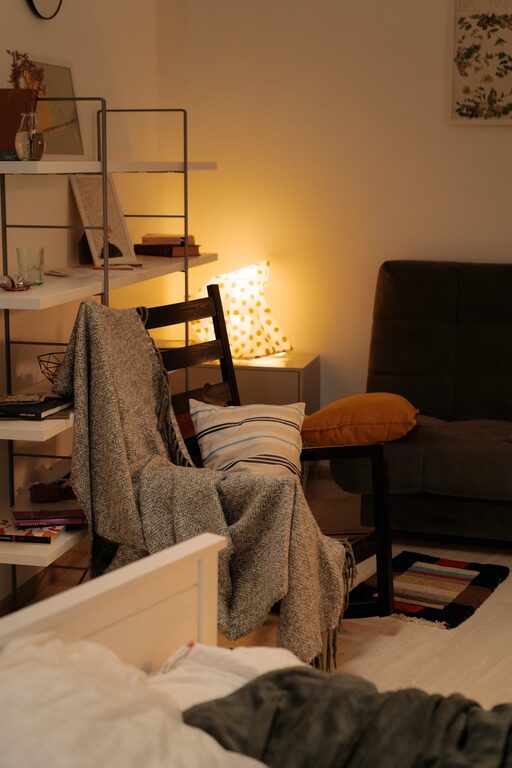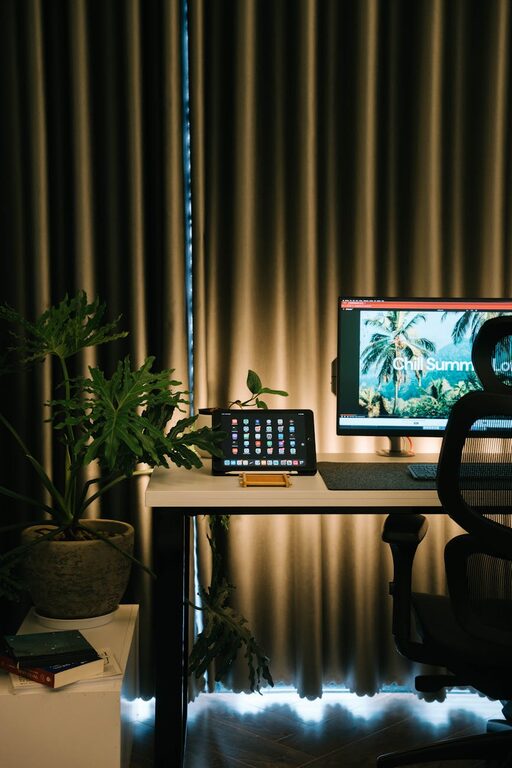
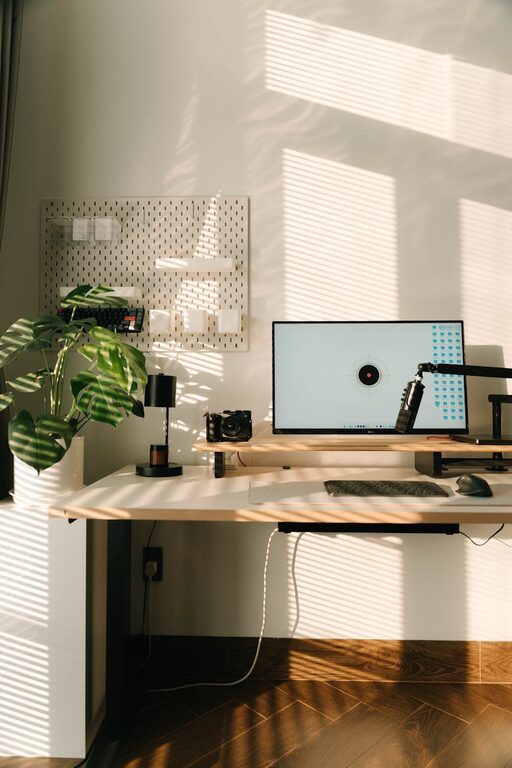
Creating a well-organized home workspace can significantly improve your productivity and make your workday more enjoyable. When everything you need is neatly arranged and easy to find, you minimize distractions and can focus better on your tasks. Whether you’re working from home full-time or occasionally, these simple organizing tips will help you create an environment that supports your best work.
Why Organize Your Home Workspace?
An organized workspace reduces stress and saves time. Clutter can lead to distractions and make it harder to concentrate. By keeping your desk and surrounding area tidy, you create a clear mental space which encourages creativity and focus. Plus, a pleasant workspace is more inviting and helps you maintain a positive mindset throughout the day.
Choose the Right Location
Choosing the best spot for your home office is the first step toward organizing it well. Ideally, pick a quiet area with good natural light and minimal foot traffic. If you don’t have a separate room for work, a corner in a less-used room will do. Make sure you have enough room for your desk, chair, and any tools or equipment you need.
Declutter and Clean Regularly
Before organizing, declutter your workspace by removing unnecessary items. Keep only the essentials on your desk such as your computer, a notebook, and a few writing tools. Put away or discard anything you haven’t used in a while. Regular cleaning and tidying will prevent clutter from building up again.
Use Storage Solutions
Shelves and Drawers
Invest in shelves or a small filing cabinet for papers, books, and office supplies. Label drawers and boxes so you know exactly where everything belongs.
Desk Organizers
Use desk organizers like pen holders, paper trays, and drawer dividers to keep small items in place. This prevents scattered supplies and helps keep your workspace tidy.
Cable Management
Tidy up cables with clips, ties, or cable sleeves. Messy cords can be distracting and create an unsafe work environment.
Optimize Your Desk Layout
Arrange your desk so that frequently used items are within arm’s reach. Place your computer monitor at eye level to avoid neck strain. Position your keyboard and mouse comfortably to promote good posture. Add a comfortable chair that supports your back during long working hours.
Personalize Your Space
Add a few personal touches like a plant, a photo, or a small piece of art. These small additions can make your workspace more inviting and boost your mood. However, keep decorations minimal to avoid distractions.
Use Task Lighting
Good lighting is essential for productivity. If natural light is limited, supplement it with an adjustable desk lamp. Proper lighting reduces eye strain and helps keep you alert and focused.
Establish a Filing System
Use folders or digital apps to organize your documents. Sort files by project, client, or priority. This way, you can quickly find what you need without wasting time searching.
Create a Daily Routine
Commit to tidying your workspace at the end of each day. This simple habit sets you up for a fresh and organized start tomorrow. Also, review your to-do list and prepare materials for the next day.
Keep Digital Files Organized
In addition to physical organization, keep your computer files well arranged. Create clearly named folders, delete unnecessary files, and back up important data regularly. A clutter-free desktop can help minimize distractions.
Take Breaks and Refresh Your Space
Regular breaks help maintain focus, so use this time to stretch or briefly step away from your desk. Occasionally, refresh your workspace by rearranging items or adding a new plant. A slight change can improve your mood and inspire productivity.
—
Organizing your home workspace doesn’t require a major overhaul. With these simple steps, you can create a functional and inviting area that encourages productivity and makes working from home a positive experience. Start with small changes, be consistent, and enjoy the benefits of a tidy, well-structured workspace.
About the Author