Creating a relaxing home workspace can make a significant difference in your daily productivity and overall well-being. Whether you work from home full-time or occasionally, having a designated area that promotes calm and focus helps you stay motivated and efficient. This guide offers practical tips to help you set up a workspace that feels comfortable, organized, and inspiring without overwhelming you.
Choose the Right Location
Selecting the right spot for your home workspace is the foundation of a productive environment.
– Quiet and Private: Find a space with minimal distractions and noise. A spare room, corner of a bedroom, or a nook near a window can work well.
– Natural Light: Position your desk near a window to benefit from natural daylight. This boosts mood and reduces eye strain.
– Avoid High-Traffic Areas: Spaces near busy household zones like kitchens or living rooms may make concentration harder.
Invest in Comfortable Furniture
Comfort is key to maintaining focus during long work sessions.
– Ergonomic Chair: Choose a chair that supports good posture with adjustable height and backrest.
– Proper Desk: Ensure your desk height suits your needs and provides enough surface area for your computer and materials.
– Foot Support: Consider a footrest if your feet don’t comfortably reach the floor.
Keep It Organized and Clutter-Free
An orderly workspace reduces stress and helps your thoughts stay clear.
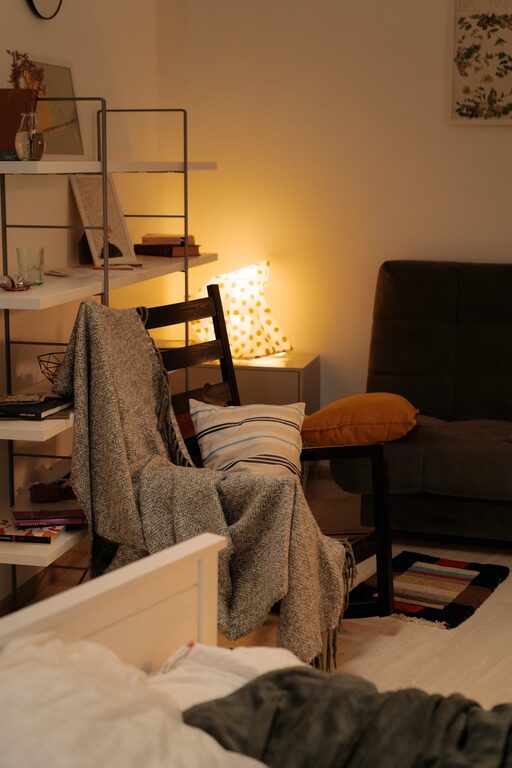
– Use Storage Solutions: Shelves, filing cabinets, or desk organizers keep supplies and documents tidy.
– Go Minimal: Keep only essential items within reach. Store or discard anything unnecessary.
– Regular Clean-Up: Set a weekly routine to declutter and reset your workspace.
Personalize Your Space Wisely
Personal touches make your workspace inviting but should not distract you.
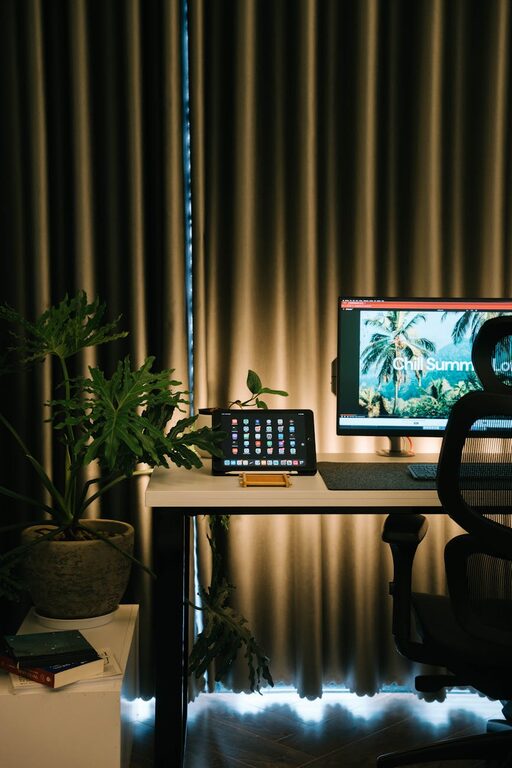
– Add Greenery: Houseplants improve air quality and add a calming natural element.
– Incorporate Soothing Colors: Soft blues, greens, or neutral shades encourage relaxation and concentration.
– Display Inspiring Items: A favorite photo, art piece, or motivational quote can boost your mood.
Manage Lighting Carefully
Proper lighting reduces eye strain and keeps you alert.
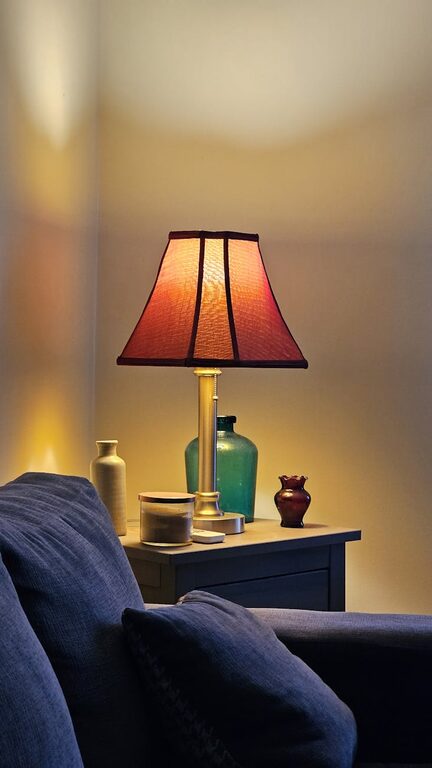
– Use Layered Light Sources: Combine natural light with task lighting like desk lamps.
– Adjust Brightness: Choose adjustable lighting to suit different times of day and tasks.
– Avoid Glare: Position screens to minimize reflections and glare from windows or lights.
Minimize Noise and Distractions
A calm environment helps your mind focus on work.
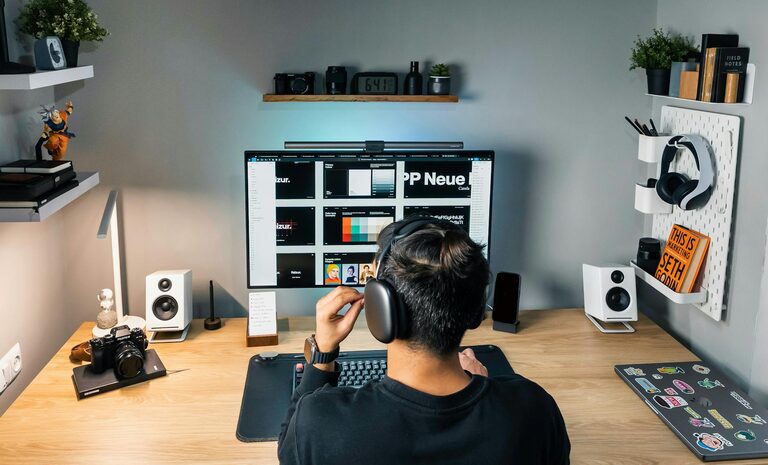
– Noise-Canceling Headphones: Use these to block background noise if you can’t control it.
– Soft Background Sounds: Some people find soft music or nature sounds helpful. Experiment to see what works best for you.
– Set Boundaries: Let family members or roommates know your work hours and request quiet time.
Incorporate Relaxation Techniques
Adding small moments of relaxation throughout your workday can boost endurance and productivity.
– Take Breaks: Step away from your desk every hour to stretch or walk around.
– Mindfulness Practices: Simple breathing exercises or short meditation sessions can reduce stress.
– Keep Refreshments Nearby: Having water or herbal tea at hand encourages hydration and short pauses.
Use Technology Wisely
Technology should aid—not hinder—your workflow.
– Organize Digital Files: Create a clear folder structure to access documents quickly.
– Use Productivity Apps: Tools like calendars, timers, or task managers help keep you on track.
– Limit Notifications: Turn off non-essential alerts to avoid interruptions.
Maintain Work-Life Balance
Your workspace should promote productivity but also respect your personal time.
– Set Clear Work Hours: Define when your workday starts and ends, sticking to a schedule.
– Designate Workspace-only Activities: Avoid using your workspace for hobbies or household tasks.
– End-Day Ritual: Close your laptop and organize your desk to signal the end of work.
—
By thoughtfully setting up a relaxing home workspace, you create an environment that supports focus, reduces stress, and boosts productivity. Remember that small changes can have a big impact and that your workspace should evolve with your needs. Start with these tips and adjust as you discover what helps you work best from home.
About the Author